
Get Started Faster with Ready-to-Use Workflow Blueprints
For the complete documentation index, see llms.txt. For a full content snapshot, see llms-full.txt. Append.mdto anykestra.io/docs/*URL for plain Markdown.
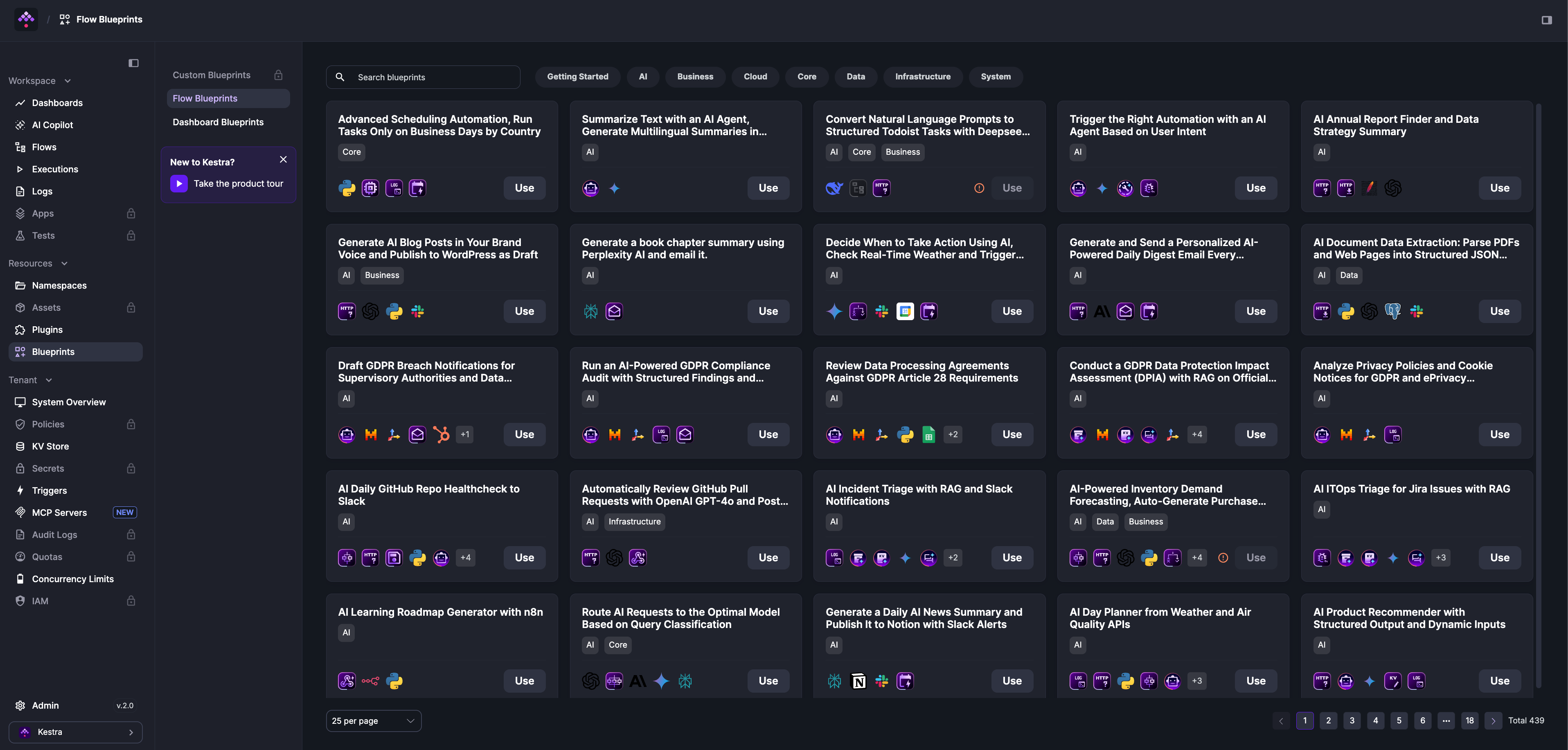
Blueprints are a searchable catalog of validated, documented flow examples. Each blueprint combines code and documentation with tags for discoverability. Click Use to copy any blueprint into your editor and customize it from there.
Browse the full catalog at the Blueprints library.
The Kestra MCP server exposes the blueprints library directly to AI coding agents like Claude Code and Cursor. Ask your agent to find a blueprint by use case and it will retrieve the full flow YAML for you.
Community blueprints
Community blueprints are available in the open-source product and reflect common workflow patterns across the Kestra user base. All blueprints are verified by the Kestra team. To contribute a new blueprint or suggest improvements, use the GitHub issue template.
Where to find blueprints
Blueprints are available from the Blueprints item in the left sidebar. Each blueprint shows its full YAML and topology before you commit — click Open in Edit Flow to load it directly into the editor.
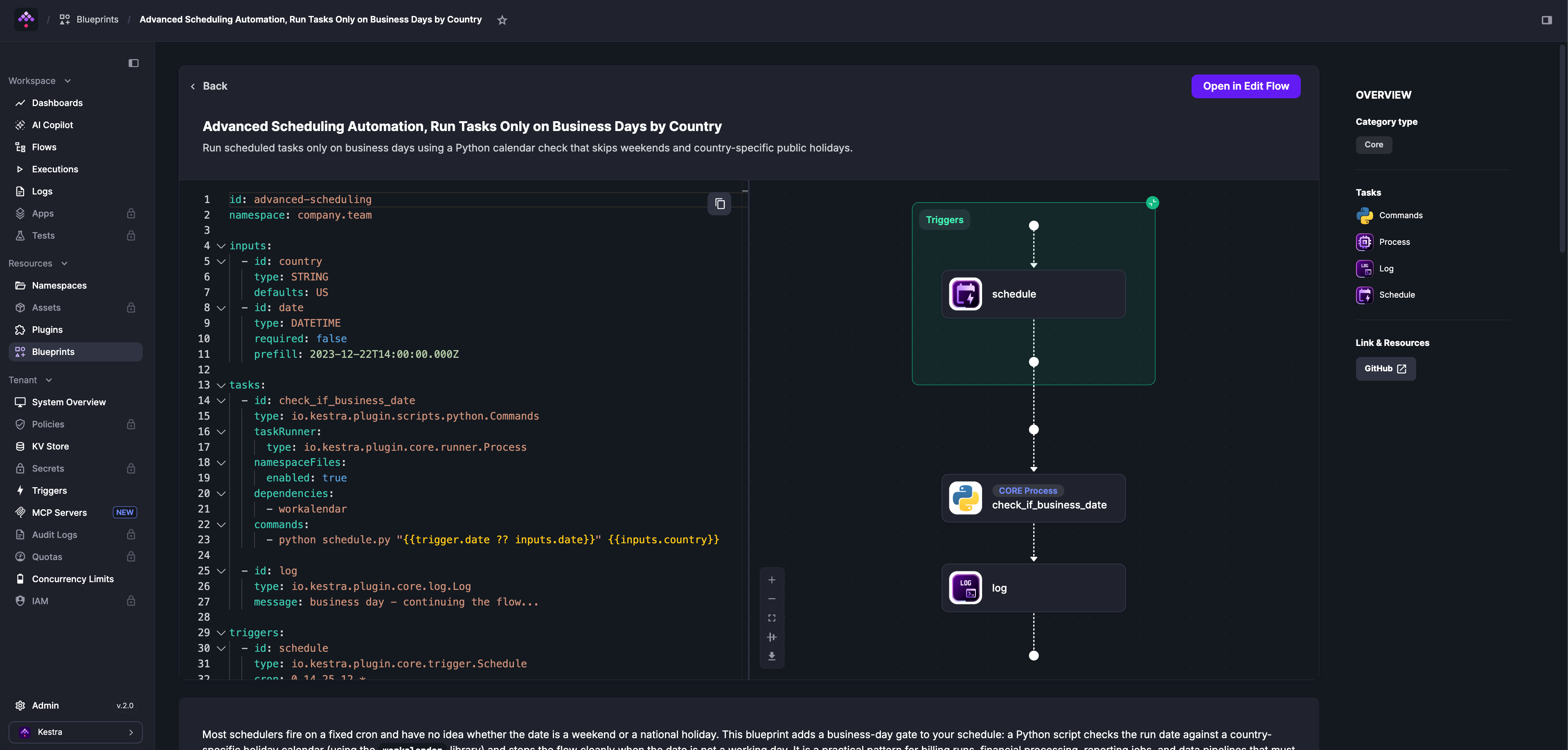
How to find the right blueprint
From the Blueprints page, search by use case or integration (Snowflake, DuckDB, Slack, dbt, Docker, etc.) or filter by tag to narrow results.
Custom blueprints
This feature requires the Enterprise Edition.
Custom Blueprints are private blueprints available only to your organization. Beyond static templates, you can create Templated Blueprints — form-driven blueprints that generate complete flows from user inputs using Pebble-style templating, without requiring users to edit YAML directly. Custom Blueprints can also be version-controlled with Git using the PushBlueprints and SyncBlueprints tasks. See the Custom Blueprints documentation for details.
Was this page helpful?