
Group Flows and Manage Access with Namespaces
For the complete documentation index, see llms.txt. For a full content snapshot, see llms-full.txt. Append.mdto anykestra.io/docs/*URL for plain Markdown.
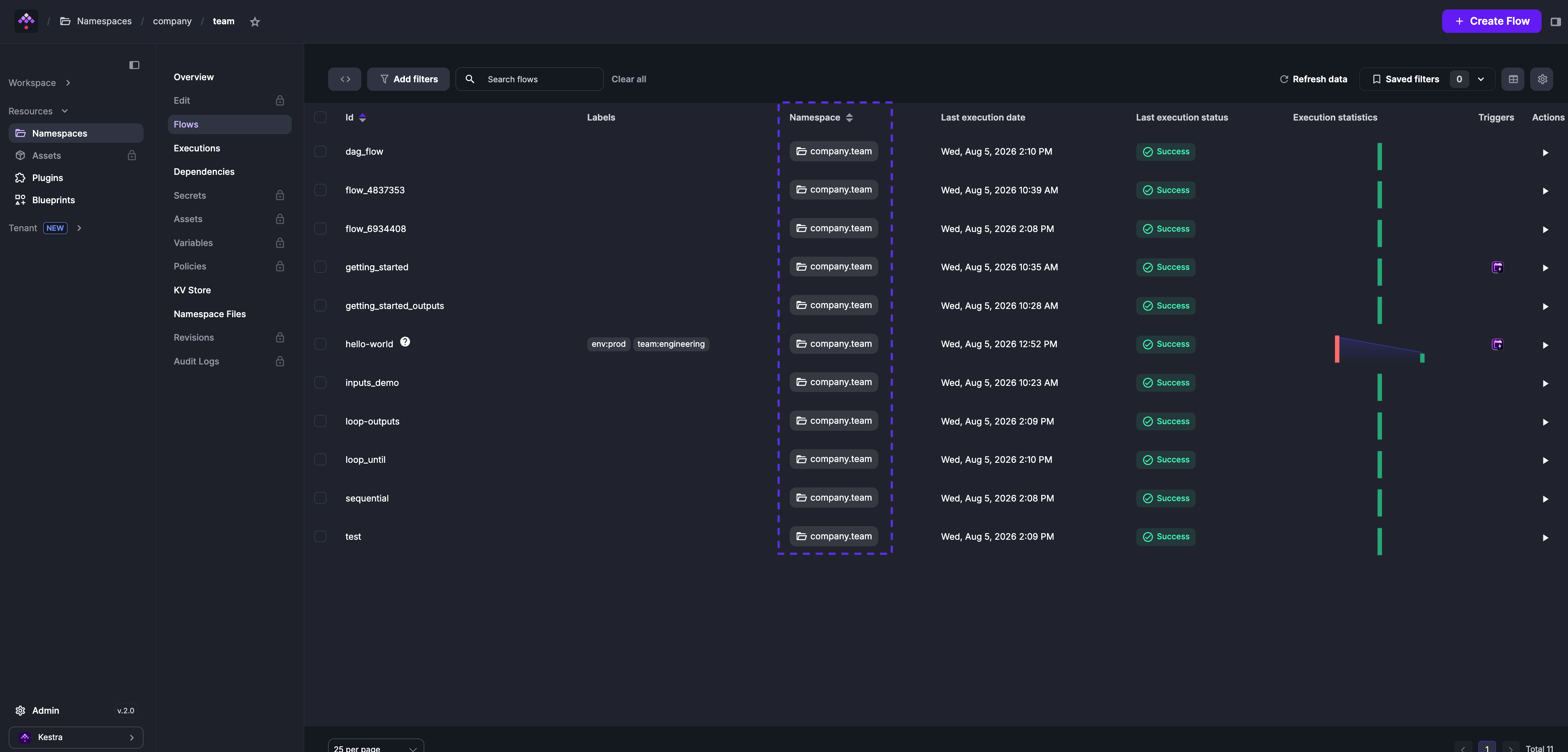
Namespaces are logical groupings of flows that control access to secrets, key-value pairs, plugin defaults, and variables.
Think of them as folders for your flows — use . to nest them to any depth and separate environments, teams, and projects within a single instance. Namespace names consist of lowercase alphanumeric characters, dots, underscores, and hyphens. They must start with a letter or digit and have a maximum length of 150 characters:
project_onecompany.project_twocompany.team.project_three
To fully isolate environments with their own resources, see Tenants (Enterprise Edition).
Assigning a namespace
Every flow declares its namespace directly in the flow definition:
id: hello_worldnamespace: company.teamtasks: - id: log_task type: io.kestra.plugin.core.log.Log message: hi from {{ flow.namespace }}Once you save a flow, its namespace cannot be changed. Create a new flow to move it to a different namespace.
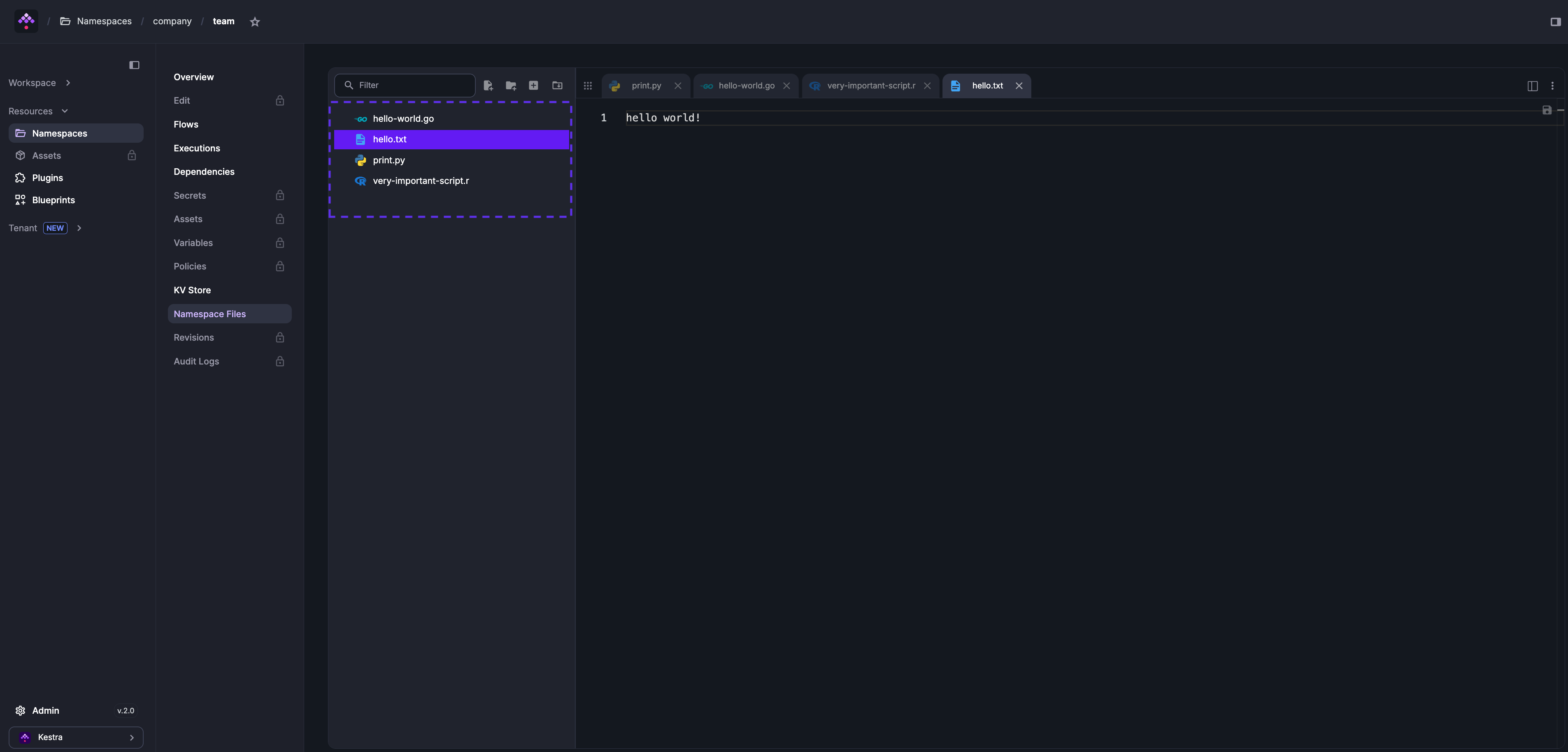
Namespace Files
Each namespace has an embedded code editor for managing scripts, configuration, and other files shared across flows in that namespace. You can sync these files from Git or manage them through the Namespace Files tab.
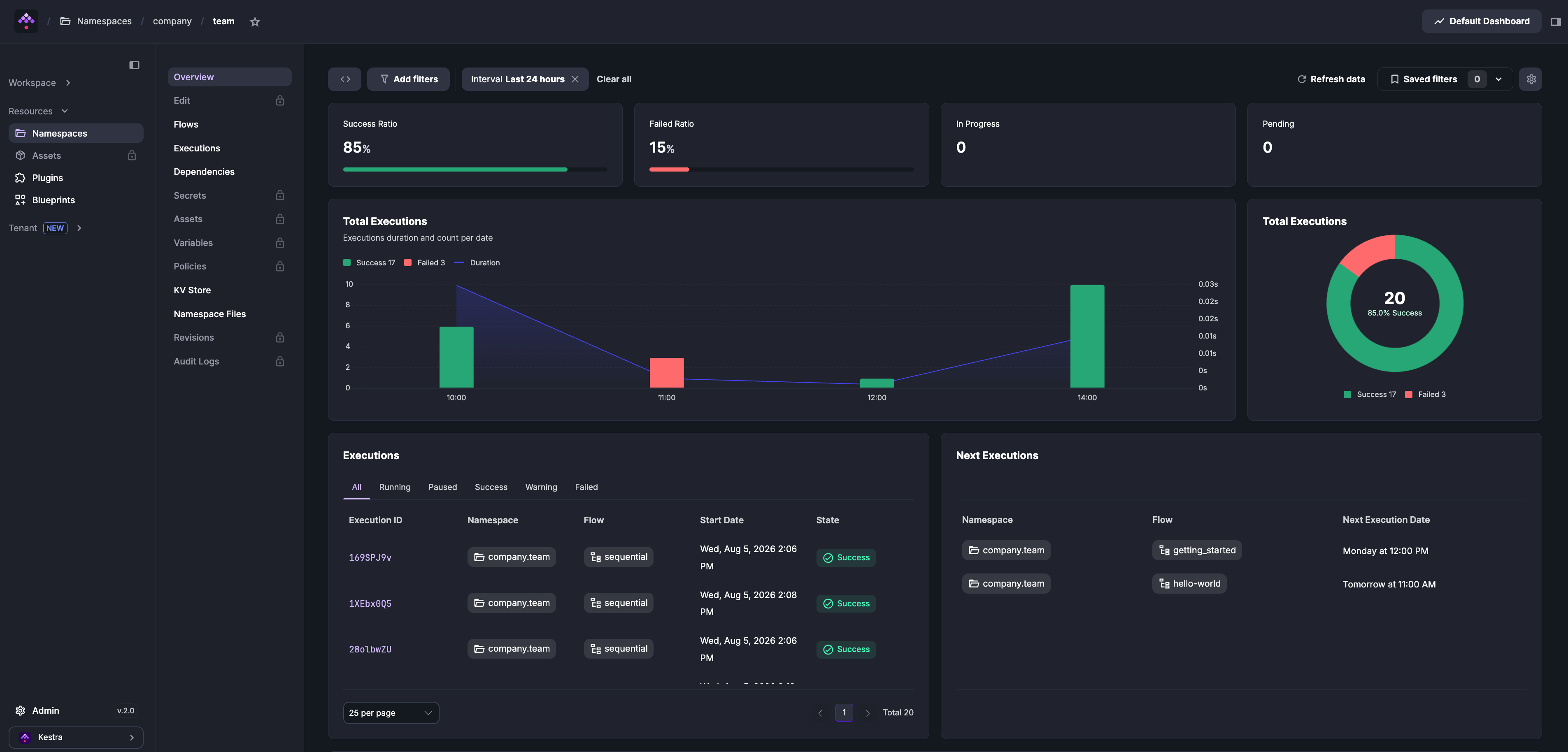
Namespace overview
Open any namespace to see its execution dashboards, flows, dependencies, and KV Store. You can also list and filter namespaces from the command line using kestractl namespaces list.
Tabs marked with a lock icon — Edit, Secrets, Credentials, Assets, Variables, Policies, Reusable Inputs, Revisions, and Audit Logs — are available in Kestra EE. See the Enterprise Edition documentation for details.
Was this page helpful?