
Automate Platform Maintenance with System Flows
For the complete documentation index, see llms.txt. For a full content snapshot, see llms-full.txt. Append.mdto anykestra.io/docs/*URL for plain Markdown.
System Flows are flows in the system namespace that automate recurring platform maintenance — running on a fixed cadence and kept separate from your user-facing executions.
Common uses include:
- Sending alert notifications
- Creating automated support tickets when critical workflows fail
- Purging logs and removing old executions or internal storage files to save space
- Syncing code from Git or pushing code to Git
- Automatically releasing flows from development to QA and staging environments
By default, System Flows are only visible within the system namespace and to users with appropriate access. To use a different namespace name, set the following in your Plugins and Execution configuration:
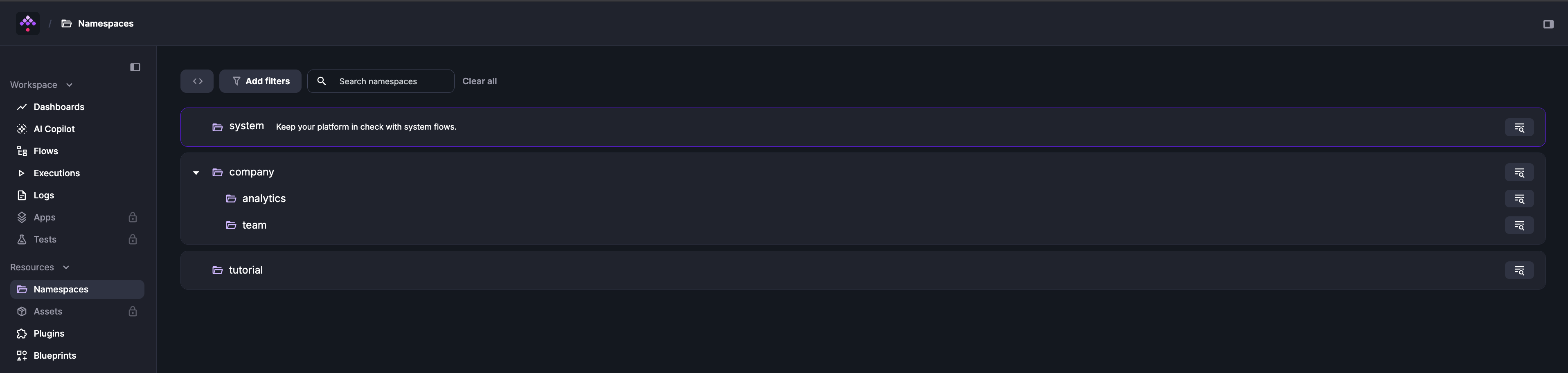
kestra: systemFlows: namespace: systemSystem Flows live in the system namespace, pinned at the top of Namespaces.
The Blueprints tab inside the system namespace provides ready-to-use templates you can customize for your organization.
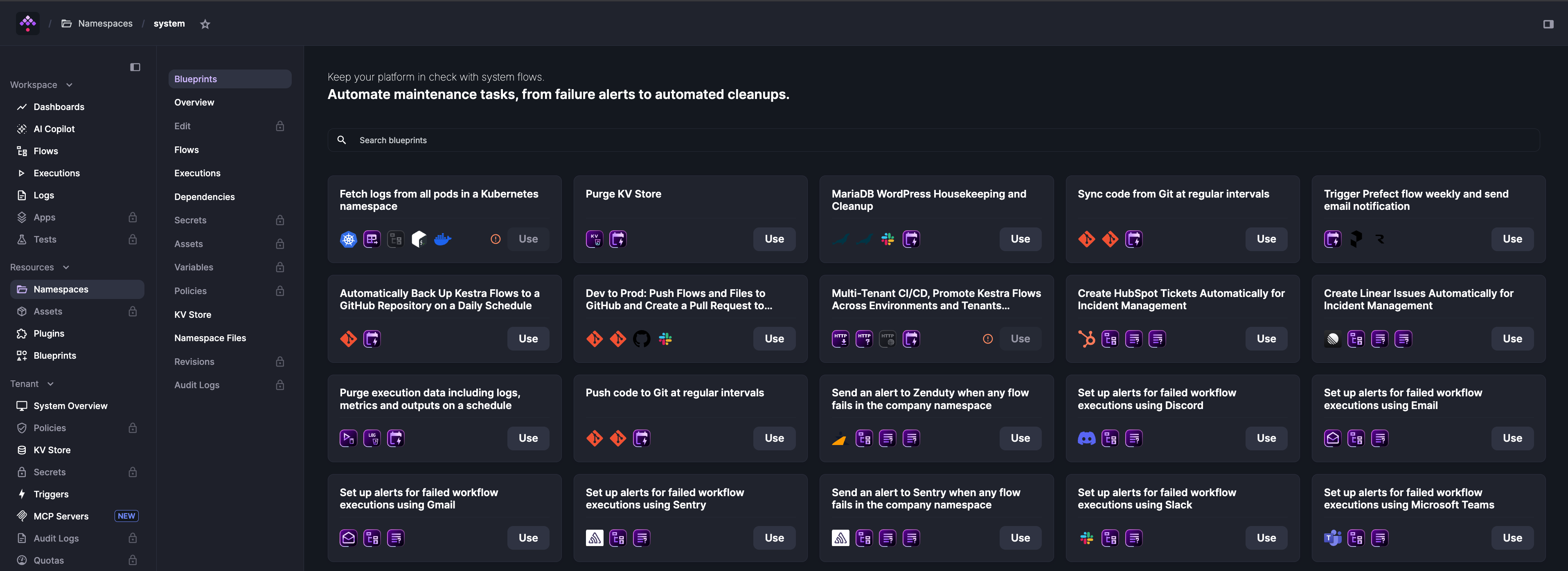
System Flows are not restricted to System Blueprints — any valid Kestra flow added to the system namespace becomes a System Flow.
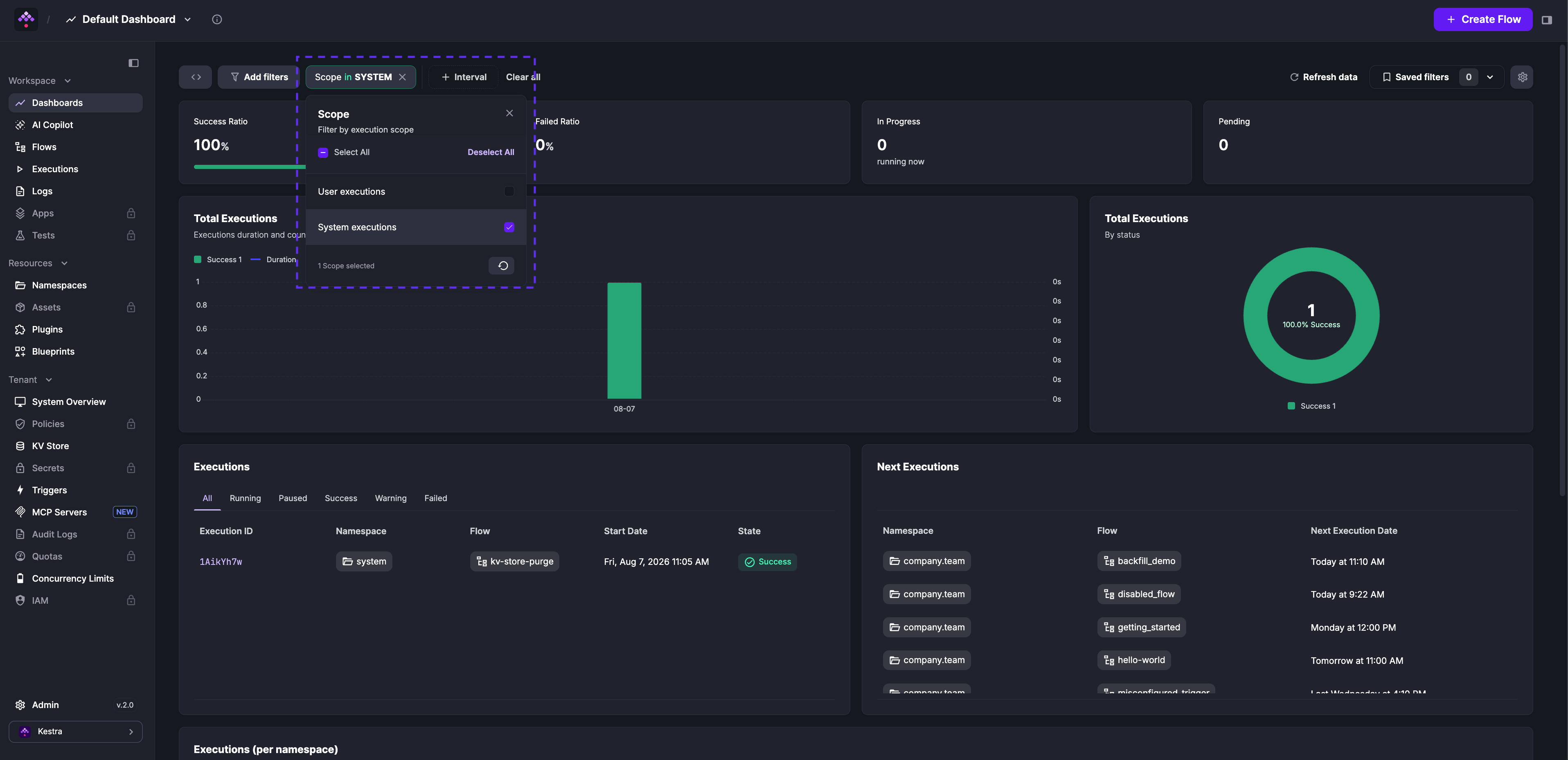
System flow executions appear across the Dashboard, Flows, and Executions pages. Use the Scope filter to view user and system executions separately or together.
The system namespace is open by default. Using namespace-level RBAC in the Enterprise Edition, you can restrict it to admins while assigning company.* namespaces to your general user base.
Was this page helpful?