
Manage Flows, Files, and KV Store per Namespace
For the complete documentation index, see llms.txt. For a full content snapshot, see llms-full.txt. Append.mdto anykestra.io/docs/*URL for plain Markdown.
Manage all resources associated with a Namespace in one place.
The Namespaces page lists all namespaces in your Kestra instance.
Overview
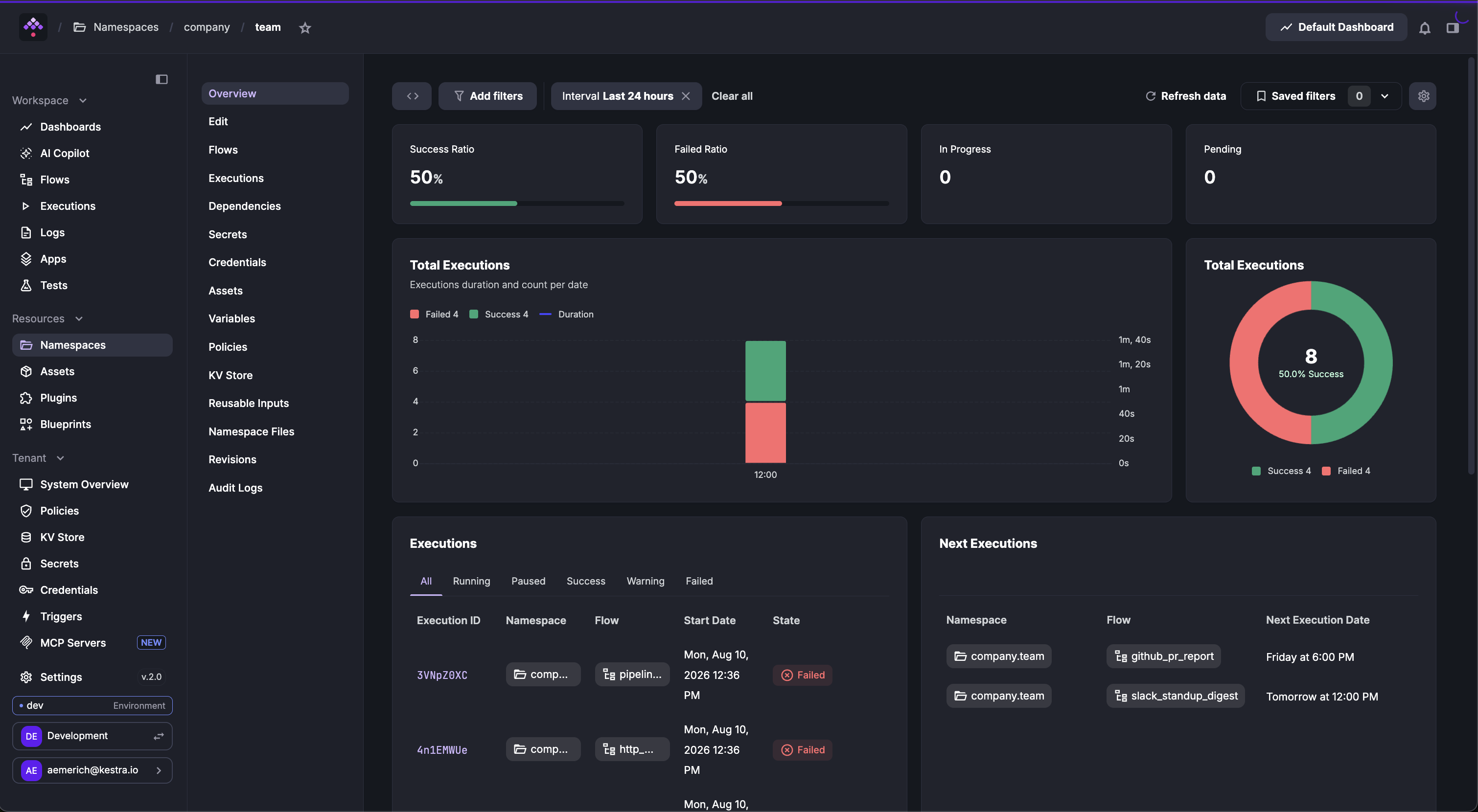
The Overview tab is the default landing page of a Namespace. It displays dashboards and summaries of flow executions within that Namespace.
Flows
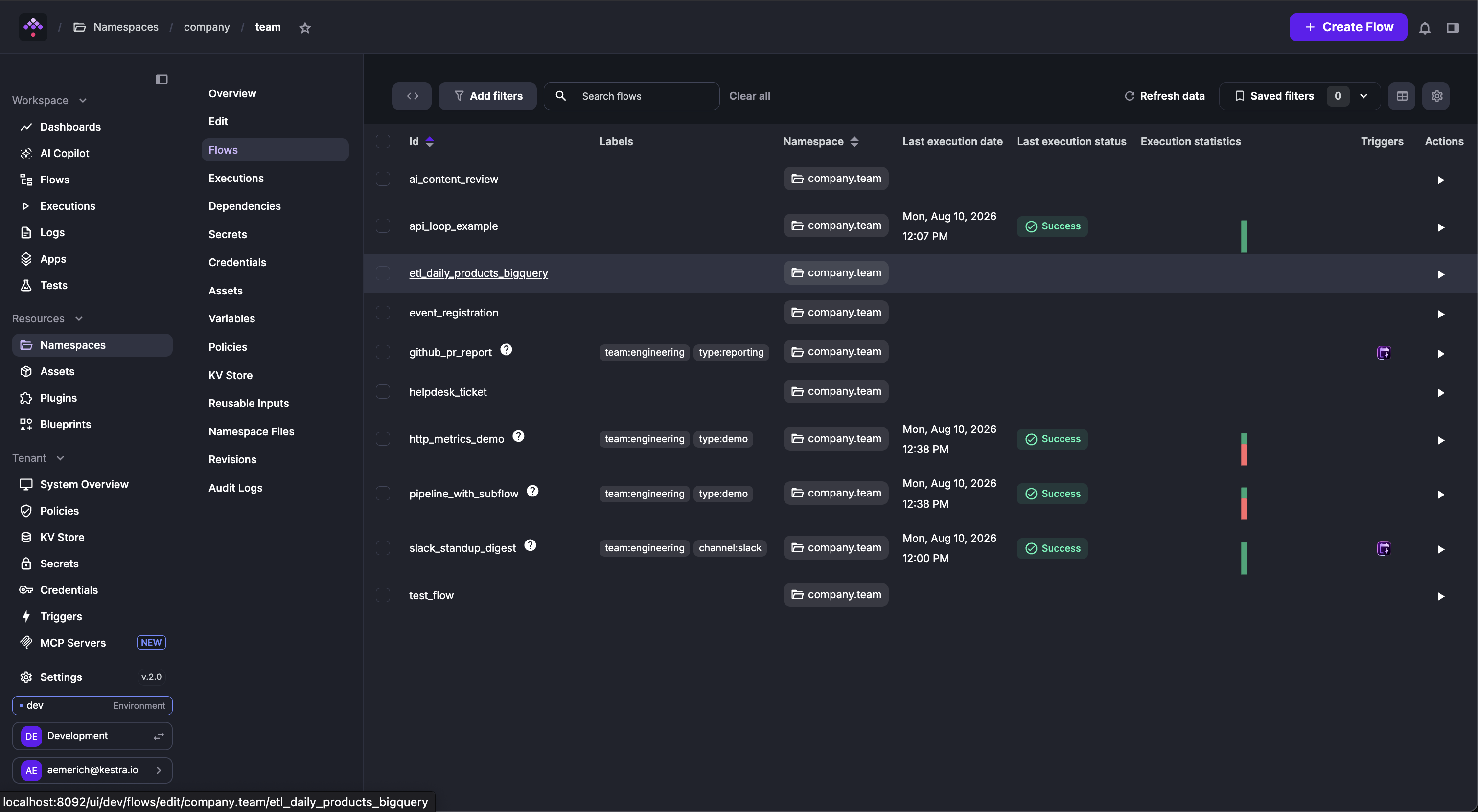
The Flows tab lists all flows within the namespace, showing flow ID, labels, last execution date and status, and execution statistics.
Dependencies
The Dependencies tab visualizes relationships between flows, showing which flows depend on one another (for example, through subflows or flow triggers).
This view is similar to the Dependencies page in the Flow Editor but focuses on inter-flow relationships within a single Namespace — even if some flows are independent.
KV store
The KV Store tab lets you manage key-value pairs scoped to the namespace. For more information, see the KV Store concept guide.
Files
The Files tab lets you create, edit, and manage Namespace Files used in your flows — from custom Python scripts to images. Learn more in Namespace Files.
Additional tabs
Each namespace also has tabs for Executions, Variables, and Reusable Inputs, as well as a Revisions history for namespace-level configuration changes.
Kestra Enterprise Edition adds Secrets, Credentials, Assets, Policies, and Audit Logs tabs. Learn more on the Enterprise Namespace Management page.
Was this page helpful?